Shopify Website Development Cost in India (2026): Complete Guide

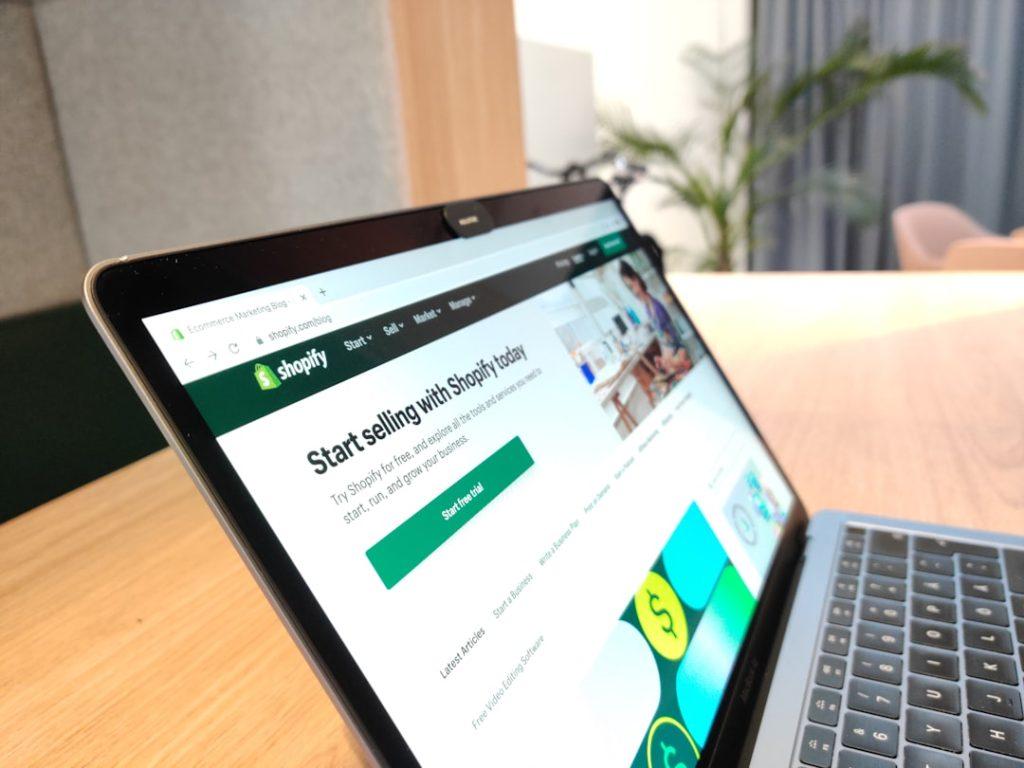
Shopify website development cost in India usually starts around Rs 20,000-60,000 for a basic store setup, Rs 60,000-2,00,000 for a customised small ecommerce website, and Rs 2,00,000-6,00,000+ for advanced design, migrations, integrations, automation, and conversion work. These are development ranges only. Shopify subscription, paid themes, apps, payment processing, product content, and marketing can add separate costs.
How much does Shopify website development cost in India?
| Store type | Typical development range | Usually includes |
|---|---|---|
| Basic setup | Rs 20,000-60,000 | Theme setup, pages, navigation, basic products |
| Customised store | Rs 60,000-2,00,000 | Brand styling, collections, integrations, product setup |
| Advanced store | Rs 2,00,000-6,00,000+ | Custom theme work, migration, automation, complex integrations |
A low setup quote may assume that your product data, images, shipping rules, policies, and payment accounts are already ready. Ask what the developer will actually configure and what your team must provide.
What is included in Shopify development?
For an authoritative platform reference, review Shopify’s official help documentation alongside your project proposal. It helps separate platform features from custom development and reduces confusion about what the developer is actually building.
Launch readiness is often overlooked in a basic quote. Someone must test product variants, discounts, tax settings, shipping rates, inventory, order emails, refunds, mobile checkout, and abandoned-cart flows. Confirm who creates or reviews legal pages, cookie notices, return policies, and contact information. These details affect customer trust and can create support work after launch.
Ask whether the developer will connect analytics and define key events such as product views, add-to-cart, checkout, and purchase. Without clean tracking, it is difficult to know whether a store is failing because of traffic, product pricing, slow pages, or checkout friction.
A project may include theme installation, homepage and collection design, product templates, navigation, policy pages, payment and shipping configuration, contact forms, analytics, basic SEO settings, and responsive testing. Custom work can include sections, filters, bundles, subscriptions, marketplace connections, CRM integration, ERP sync, or migration from another platform.
“Shopify website” can mean a simple theme configuration or a heavily customised commerce system. Request a page list, feature list, number of products, migration scope, and revision limit in writing.
What changes Shopify website development cost?

Theme choice is a major factor. A free or paid theme can reduce design time, while a custom theme requires wireframes, design, frontend development, testing, and future maintenance. Product complexity matters too: variants, subscriptions, bundles, wholesale pricing, regional catalogues, and multiple warehouses require more configuration.
Migration can add cost when the old site has thousands of products, customer accounts, reviews, redirects, order history, or unusual URLs. Integrations with accounting, inventory, shipping, marketplaces, email, WhatsApp, or customer support can also require paid apps or custom middleware.
What recurring Shopify costs should you budget for?
Shopify’s own pricing and feature terms can change, so verify the current plan and transaction details before signing a long-term proposal. Treat the platform subscription as one line in the budget and list every paid app separately. This makes it easier to remove an app when its value no longer justifies the recurring charge.
Development is only the first cost. Budget for the Shopify plan, domain renewal, premium theme if used, paid apps, payment gateway charges, shipping tools, email or SMS services, product photography, content, support, and marketing. App subscriptions can become significant when several tools charge separately per month or by order volume.
Ask whether the developer will use a paid app and who owns the subscription. Remove unused apps periodically and check whether two tools are solving the same problem. Keep the store owner account, domain, payment, analytics, and app billing under your business control.
How should you compare Shopify developers?
Ask how the store will be made accessible to your team after launch. You should know how to add products, create collections, update pages, manage orders, view reports, and handle basic discounts without editing code. Confirm whether training is live or recorded and whether the developer will provide a short operating guide. This small handover step can save repeated support charges.
Give each developer the same brief: product count, categories, required features, design references, integrations, migration needs, launch date, and post-launch support. Review live stores and ask what work the person or team actually completed. Compare page quality, mobile usability, checkout flow, speed, and product discovery rather than only screenshots.
Ask for milestones: discovery, design, development, product loading, testing, launch, and handover. Confirm how many revisions are included, how defects are handled after launch, and whether training is included. A cheap quote with no testing or handover can create higher costs later.
What should a Shopify development quote include?
The quote should state the store plan assumptions, theme, pages, features, product quantity, integrations, data migration, content responsibility, taxes, app costs, payment milestones, launch support, ownership, and exclusions. Clarify whether custom code is documented and whether future Shopify updates may require paid maintenance.
How can you reduce Shopify development cost?
Prepare product data, images, policies, shipping rules, and brand assets before development begins. Start with a focused catalogue and essential integrations, then add advanced automation after the store proves demand. Use a suitable theme, avoid unnecessary apps, and test the mobile shopping journey early. Do not cut payment testing, security, backups of exported data, or training.
Build a clear handover checklist: administrator access, theme files, app list, analytics ownership, domain settings, product import format, and instructions for common updates. A store is less expensive to operate when the owner is not dependent on the original developer for every title, image, or price change.
Prepare product data, images, policies, shipping rules, and brand assets before development begins. Start with a focused catalogue and essential integrations, then add advanced automation after the store proves demand. Use a suitable theme, avoid unnecessary apps, and test the mobile shopping journey early. Do not cut payment testing, security, backups of exported data, or training.
What should you check before launch?
Place test orders on mobile and desktop, verify confirmation emails, test coupons and shipping rules, check inventory deductions, inspect redirects, and confirm that the domain uses HTTPS. Review the store on slower mobile connections and remove placeholder content. Keep a written rollback plan for theme changes and export a copy of important catalogue data.
Frequently asked questions
Is Shopify cheaper than a custom ecommerce website?
It can be faster and simpler to launch, but subscription, apps, transaction fees, and custom work must be included in the total cost comparison.
Does Shopify development include product uploading?
Sometimes, but the quantity and format should be specified. Large catalogues or data cleanup usually cost extra.
Can I edit the store myself?
Yes. Ask for administrator training and documentation so your team can manage products, pages, orders, and basic settings.
Is monthly maintenance required?
Shopify manages much of the platform infrastructure, but stores still need app reviews, content updates, conversion improvements, data checks, and support.
Updated August 2026.
Compare scope, integrations, ownership, and post-launch support. Get 3-5 quotes from verified Shopify developers on MatchedNeeds before choosing a partner.