Website Redesign Checklist for Small Business (2026 Guide)


A website redesign checklist for small business should cover goals, analytics, content, mobile experience, speed, SEO, accessibility, forms, security and launch testing. Start with evidence from the current site instead of changing colours and layouts first. A focused redesign should make it easier for the right visitor to understand your offer, trust the business and take the next step.
What should you audit before redesigning a small-business website?
Record the current site’s pages, traffic sources, top landing pages, enquiries, phone clicks and search queries. Note which pages bring qualified leads and which attract visits without action. Export analytics and Search Console data before the old site is changed.
Also list technical problems: broken links, slow templates, duplicate titles, missing image text, outdated plugins, weak passwords and forms that no longer deliver notifications. A redesign should preserve valuable URLs and improve weak ones, not erase useful search equity.
For a Bengaluru business, include local-intent pages and conversion paths where relevant. A service provider may need clear coverage areas such as Whitefield, Koramangala, Indiranagar, HSR Layout or Yelahanka, but only if those areas are genuinely served. Do not create thin pages that merely swap neighbourhood names.
How do you set redesign goals and success metrics?

Choose two or three measurable goals. Examples include increasing qualified enquiry forms, improving calls from mobile users, reducing support questions or making a service catalogue easier to browse. “Make it modern” is a design preference, not a success metric.
Set a baseline for traffic, conversion rate, page speed, rankings and form completion. Decide what will be measured after launch and who owns the report. If the business has few visits, prioritise clarity and lead quality rather than chasing a large percentage improvement from a tiny sample.
Which pages should a small business keep, merge or remove?

Create a page inventory with URL, purpose, traffic, ranking terms, backlinks, owner and proposed action. Keep strong pages, merge overlapping pages, update outdated content and redirect pages that have useful signals but no longer need to exist. Remove only after checking whether the URL supports referrals, rankings or customer journeys.
A useful small-business structure often includes Home, About, Services, individual service pages, locations served, case studies or portfolio, FAQs, contact and privacy/legal pages. The exact structure depends on the offer. A five-page brochure site should not become a thirty-page set of repetitive location pages.
What should the new information architecture include?
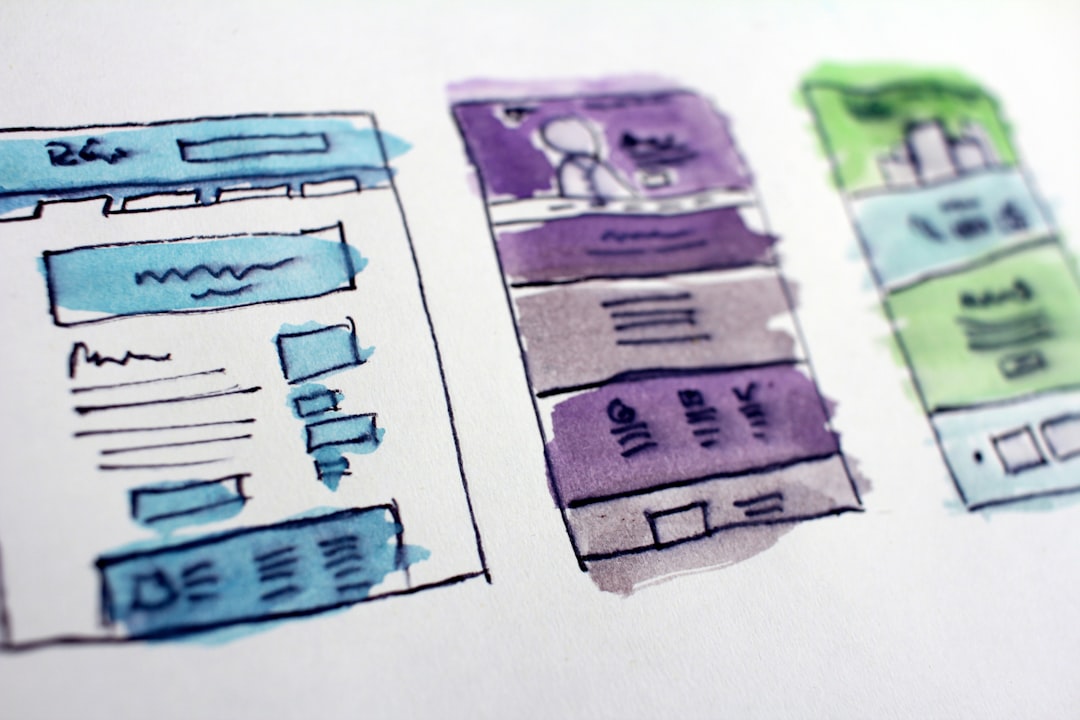
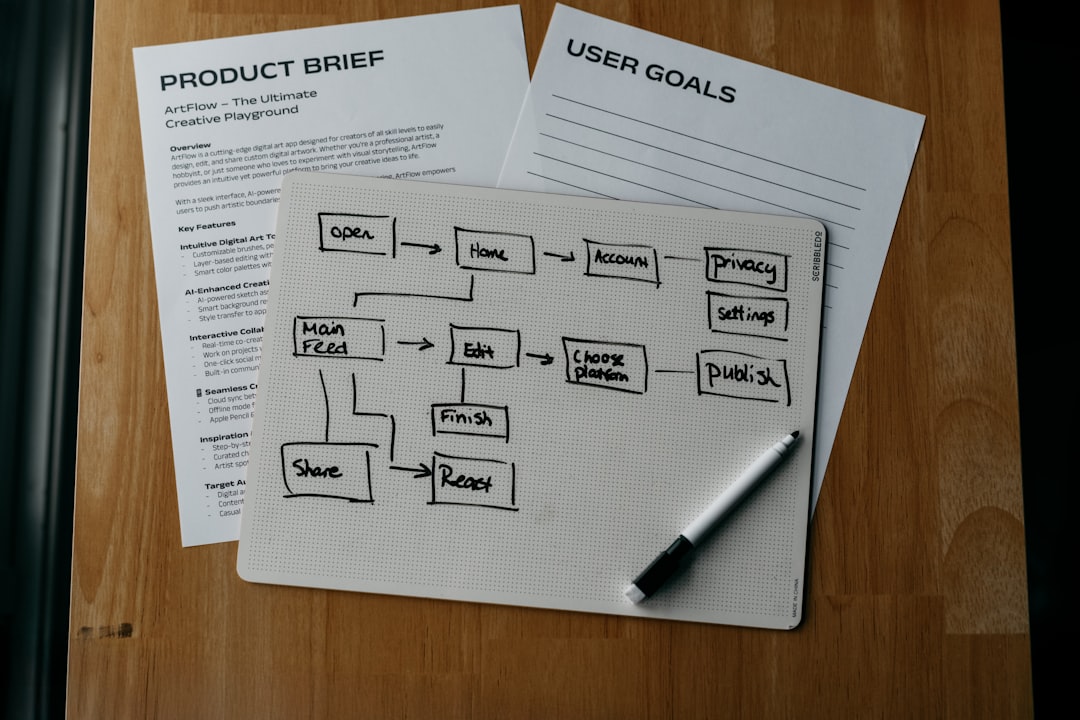
A visitor should reach a relevant service and a clear contact option in a few clicks. Use plain labels in the main navigation. Put one primary action on each page, such as request a quote, book a consultation or call the business. Secondary actions can support visitors who are still comparing options.
Draft the sitemap and redirect map before development. Keep important URLs stable where possible. If a URL must change, map the old page to the closest useful new page rather than sending every old URL to the home page. Google Search Central explains the role of permanent redirects when URLs move; review its redirect guidance during the migration plan.
How do you improve copy, trust and calls to action?
The first screen should say what the business does, who it helps and where it operates. Replace vague lines such as “solutions for every need” with a specific benefit and next step. Explain process, expected timelines, service boundaries and what a visitor should prepare before contacting you.
Trust elements should be verifiable: real testimonials with permission, project examples, team details, registration information where relevant, service-area clarity and transparent expectations. Avoid invented reviews, inflated claims and stock photos presented as completed work.
Use a consistent call to action. A quote form should request only information needed for the first response. Too many fields reduce completion, especially on mobile.
What mobile and accessibility checks belong on the checklist?
Test the redesigned site on current phones and slower connections. Check readable type, sufficient contrast, tap-target spacing, sticky headers, menus, forms, error messages and click-to-call links. Do not let pop-ups cover the whole screen or make the close control hard to find.
Use meaningful headings, keyboard-friendly navigation, labels for form fields, text alternatives for useful images and descriptive link text. Accessibility improves usability for everyone and reduces the chance that important content is invisible to assistive technology.
How should you handle speed and technical SEO?
Compress images, serve appropriately sized formats, remove unused scripts and avoid loading third-party tools before the main content. Test important templates, not just the home page. Check mobile performance, layout stability and the time before the page becomes usable.
Technical SEO checks should include one indexable canonical URL per page, descriptive title tags and meta descriptions, a logical heading structure, XML sitemap, robots rules, structured data where appropriate, HTTPS and clean internal links. Validate redirects and confirm that staging noindex settings do not accidentally reach production.
What should you check for Bengaluru local SEO?

Keep the business name, address, phone and operating details consistent across the website and important business listings. Add a properly maintained contact or location page with genuine service information. Embed a map only when useful; it should not replace written address and access details.
Mention Bengaluru-specific service coverage only where it helps customers decide. Include realistic travel or appointment information if the business serves different parts of the city. A local page should answer local questions, not repeat the national service page with a city name inserted.
What security and integration checks are essential?
Update the CMS, themes, plugins and dependencies before launch. Remove unused administrator accounts, enforce strong unique passwords, enable backups and confirm who receives security alerts. Check CAPTCHA or spam controls without making legitimate enquiries difficult.
Test every integration: CRM delivery, email notifications, WhatsApp links, payment gateways, calendars, analytics, pixels, cookie consent and marketing automation. Make sure form submissions are stored or forwarded according to the business’s privacy commitments.
How do you run a safe website redesign launch?
Freeze the final content, take a backup and record the rollback plan. Before switching DNS or hosting, test the production environment with a temporary URL or staging release. Use a launch checklist covering navigation, forms, redirects, images, structured data, analytics and legal pages.
After launch, test from a fresh browser and a mobile device. Submit real test enquiries and confirm the business receives them. Monitor errors, indexing, rankings, traffic and conversions during the first days and again after several weeks.
Website redesign checklist for small business
Before approving the project, confirm:
- Goals and baseline metrics are documented.
- The page inventory and redirect map are complete.
- High-value content and URLs have owners.
- Copy explains services, locations, proof and next steps.
- Mobile, accessibility and speed checks are passed.
- SEO titles, canonicals, sitemap and robots rules are reviewed.
- Forms, phone links and integrations have been tested.
- Backups, security access and rollback steps are ready.
- Analytics and conversion events work after launch.
- A post-launch monitoring owner and date are assigned.
If you want help comparing scope, timelines and maintenance terms, use verified web developers in Bengaluru to compare verified website professionals rather than choosing on design screenshots alone.
FAQ
How often should a small business redesign its website?
Redesign when the site no longer supports customer tasks, mobile use, security, content management or business goals. A fixed three-year rule is less useful than evidence from users and performance.
Should SEO happen before or after the redesign?
SEO planning should happen before development so valuable URLs, content and redirects are protected. Testing continues after launch.
How long does a small-business redesign take?
A focused site may take several weeks; larger catalogues, integrations and content migrations take longer. The scope and feedback speed matter more than a generic promise.
Updated September 2026.